Leave the phone
in the bag.
Record each shot on paper. Scan your scorecard with your iPhone after the round, check the shots, and see your strokes gained.
How it works
One hole, four shots
| Shot | Write | Meaning |
|---|---|---|
| 1 | F 105 | Fairway · 105 yards |
| 2 | G 18 | Green · 18 feet |
| 3 | G 2 | Green · 2 feet |
| 4 | H | Holed |
- 01
Record your shots
After each shot, write down where the ball finished and its distance to the hole.
- 02
Scan and review
Photograph your card in the app. Review the scanned shots, correct any mistakes, and confirm your round.
- 03
View your results
See your score and strokes gained for each round. Use Stats to compare rounds and review each part of your game.
Explore the app
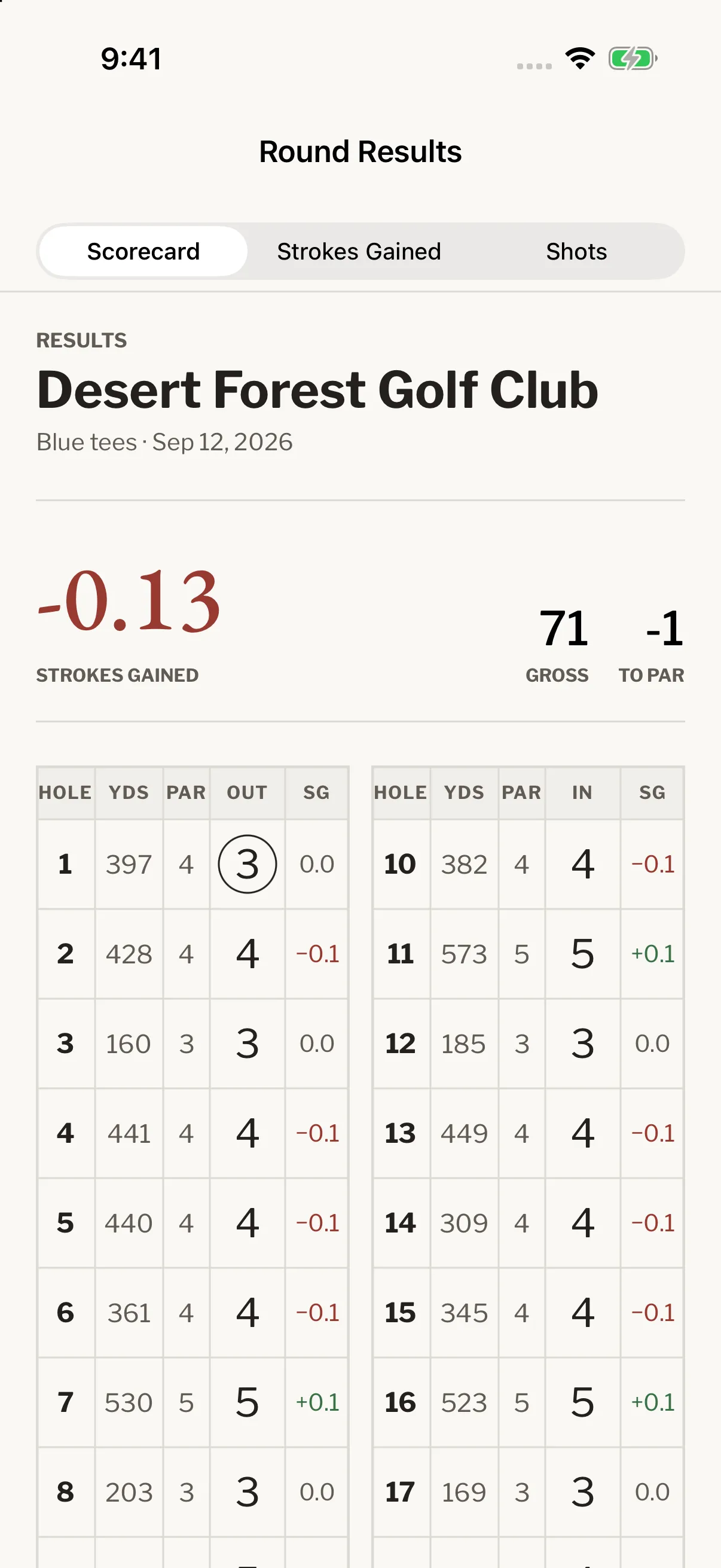
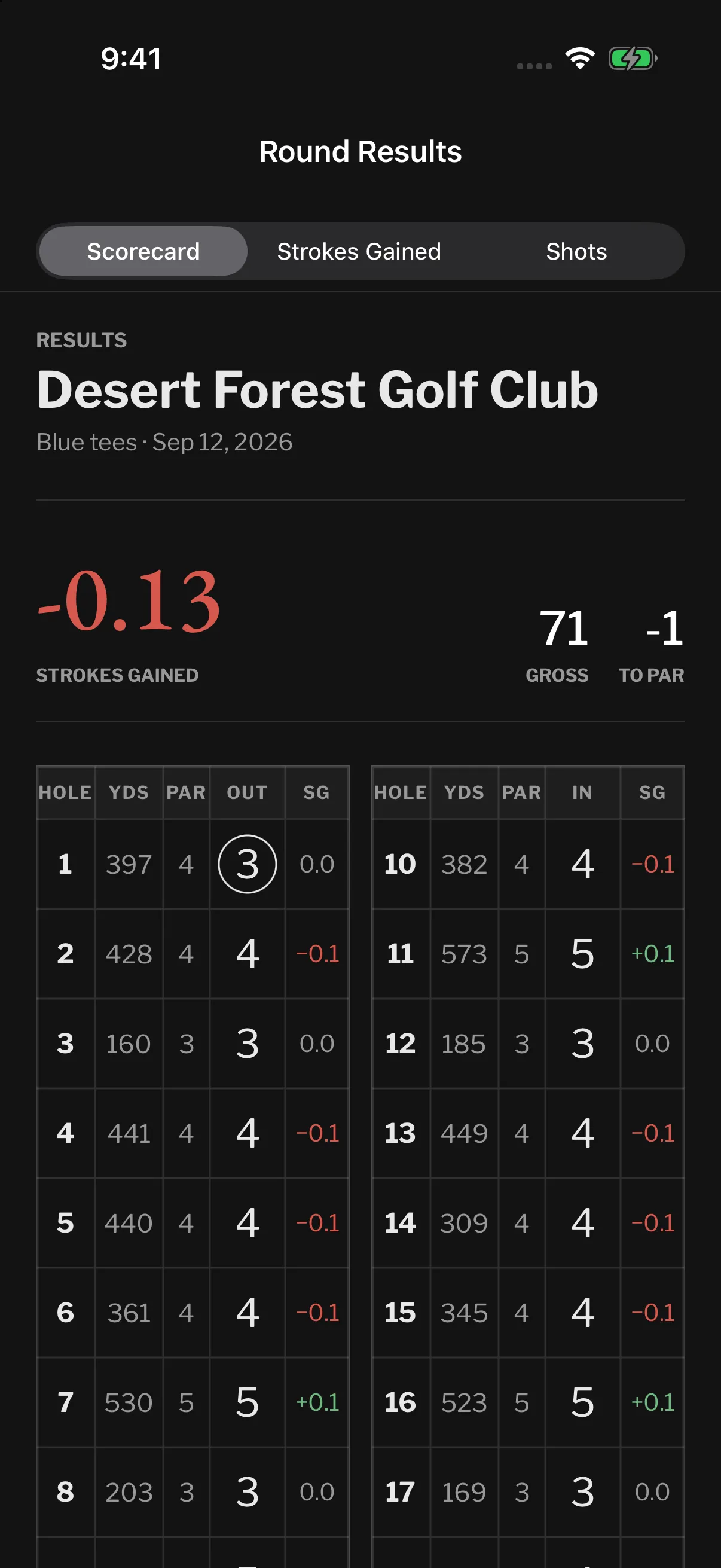
View a round.
Open a completed round to see the hole-by-hole scorecard, strokes-gained breakdown, and individual shots.
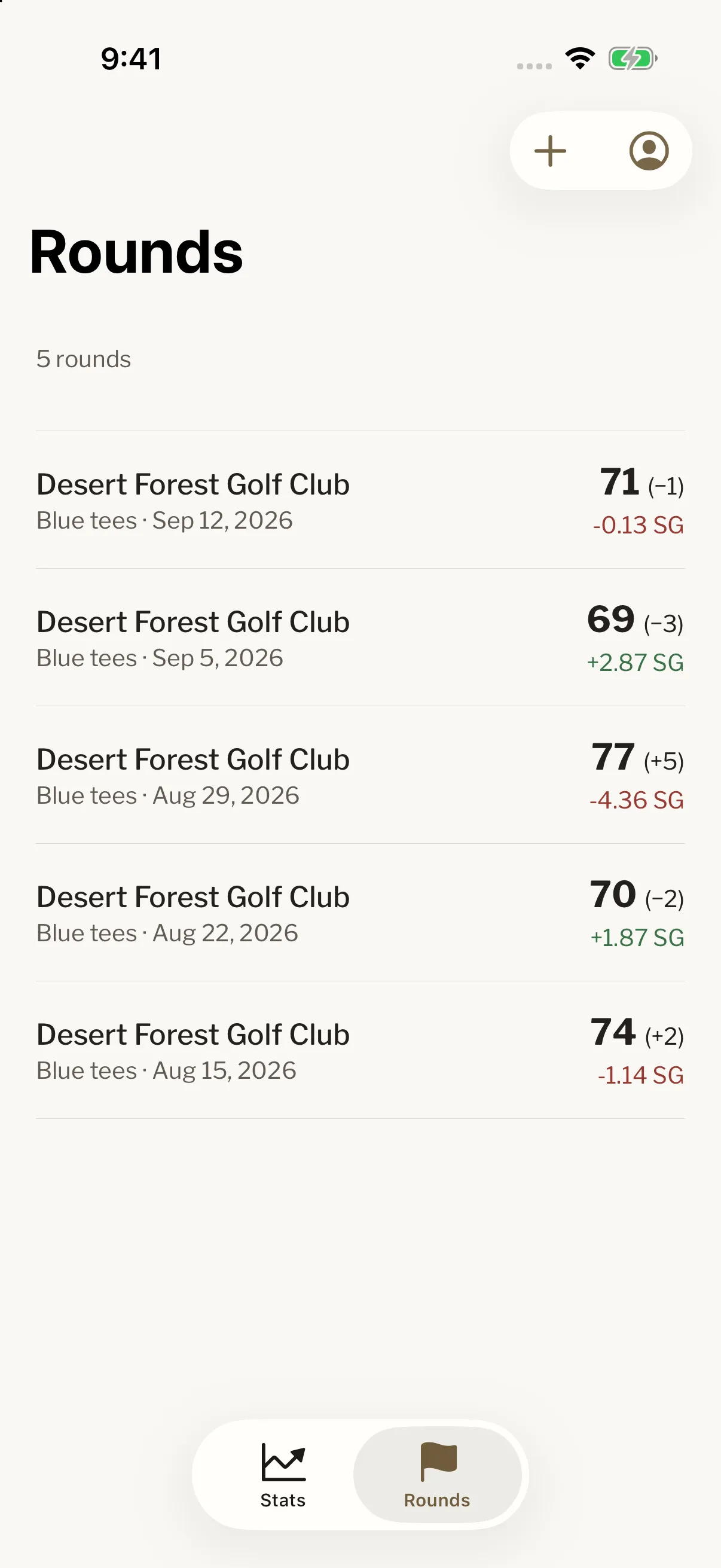
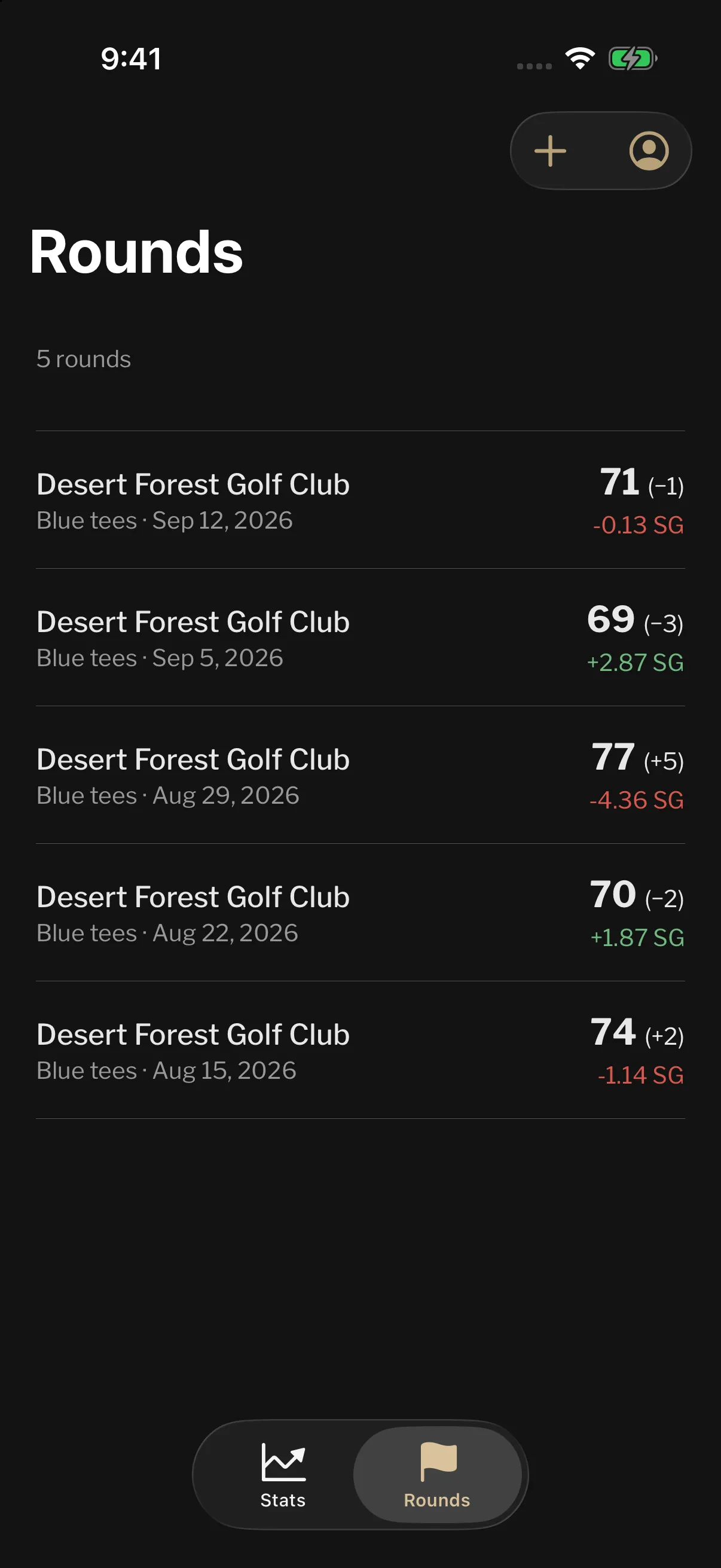
Find previous rounds.
Browse your rounds by date and course. Open a completed round or continue one you have not finished.
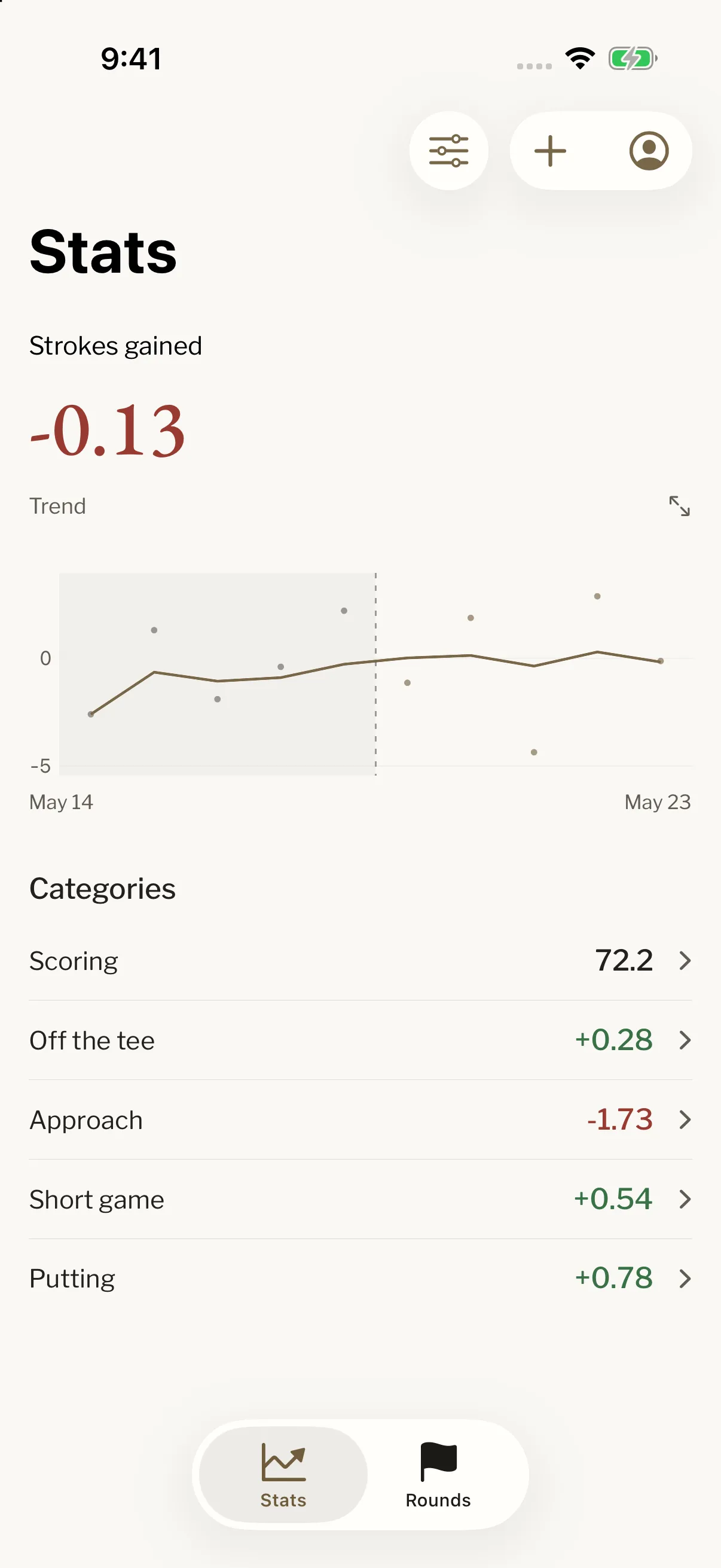
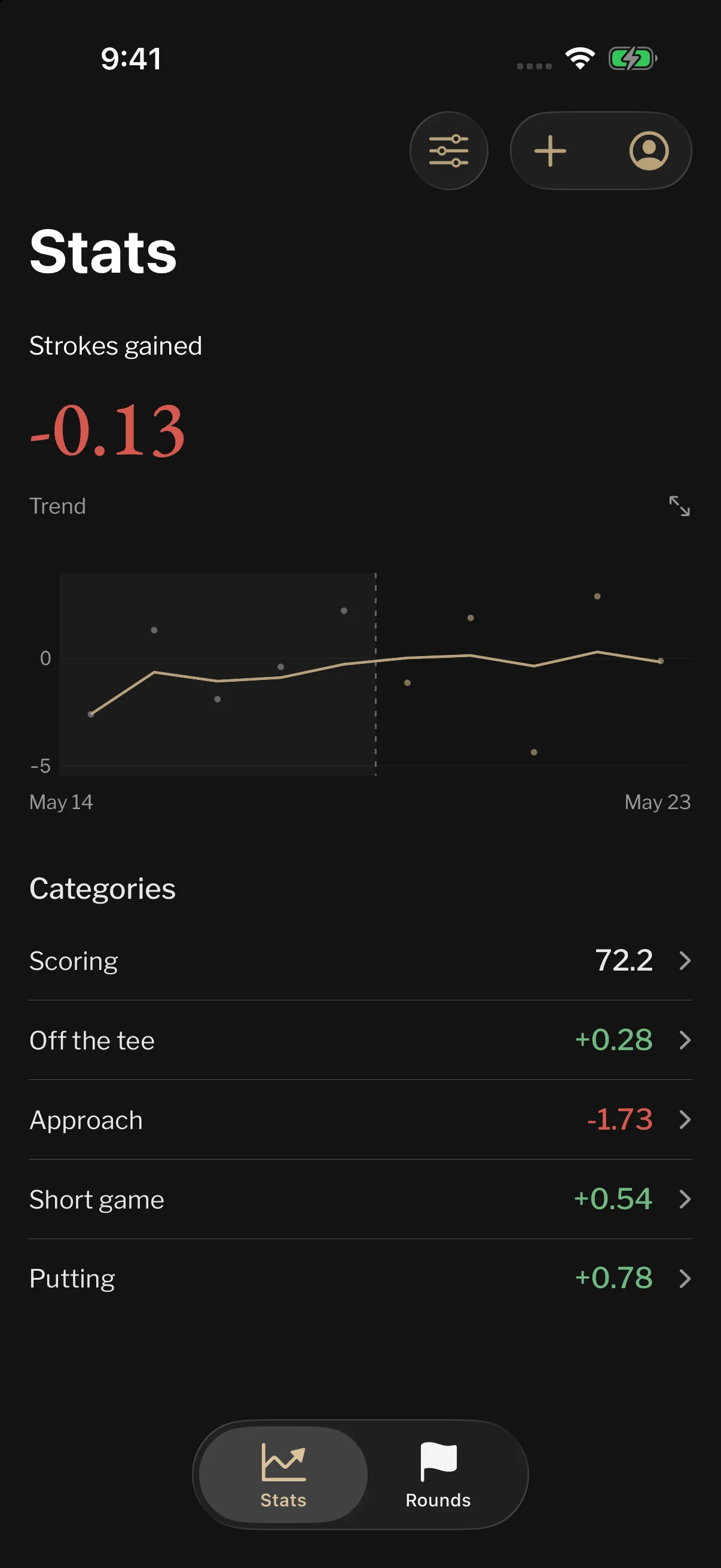
Compare your stats.
View strokes-gained trends across rounds and review categories such as driving, approach, short game, and putting.
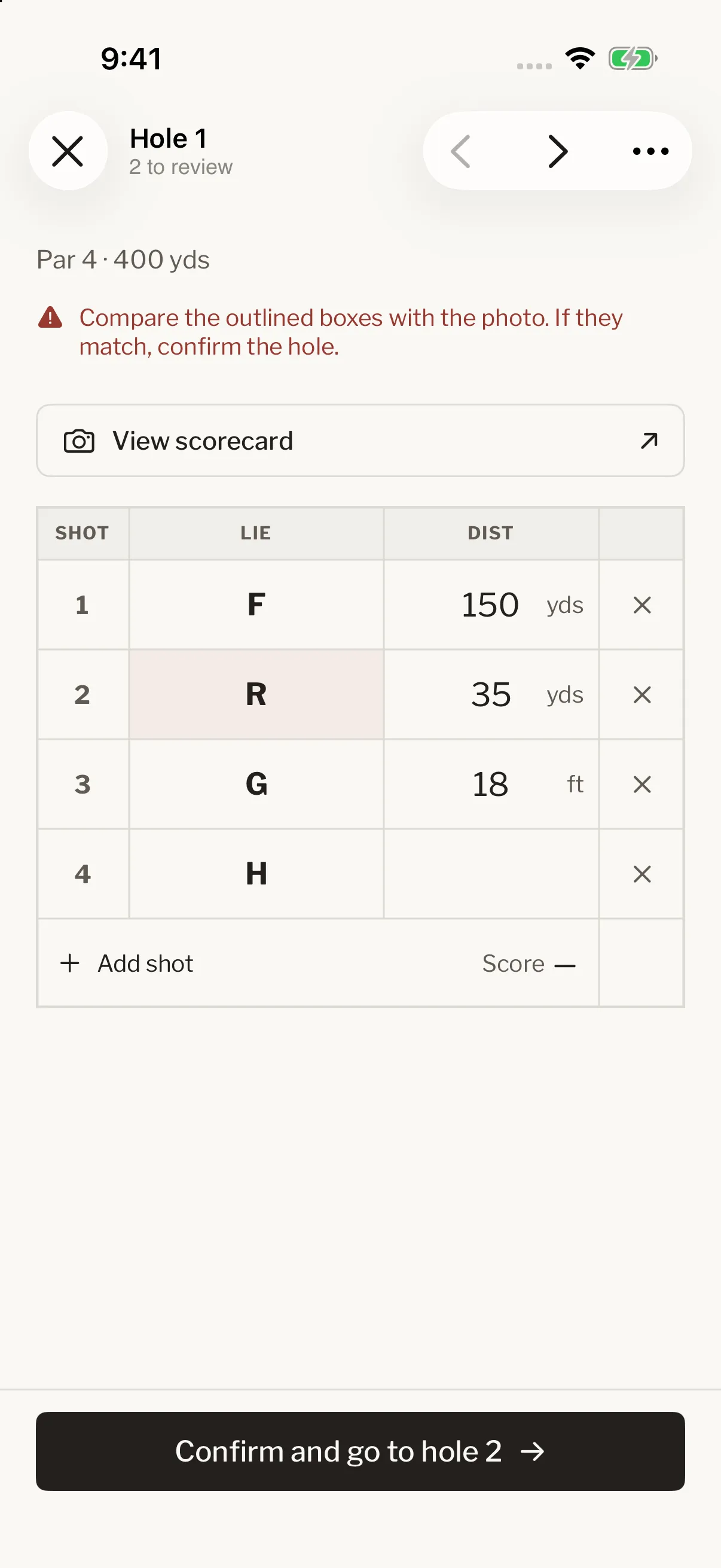
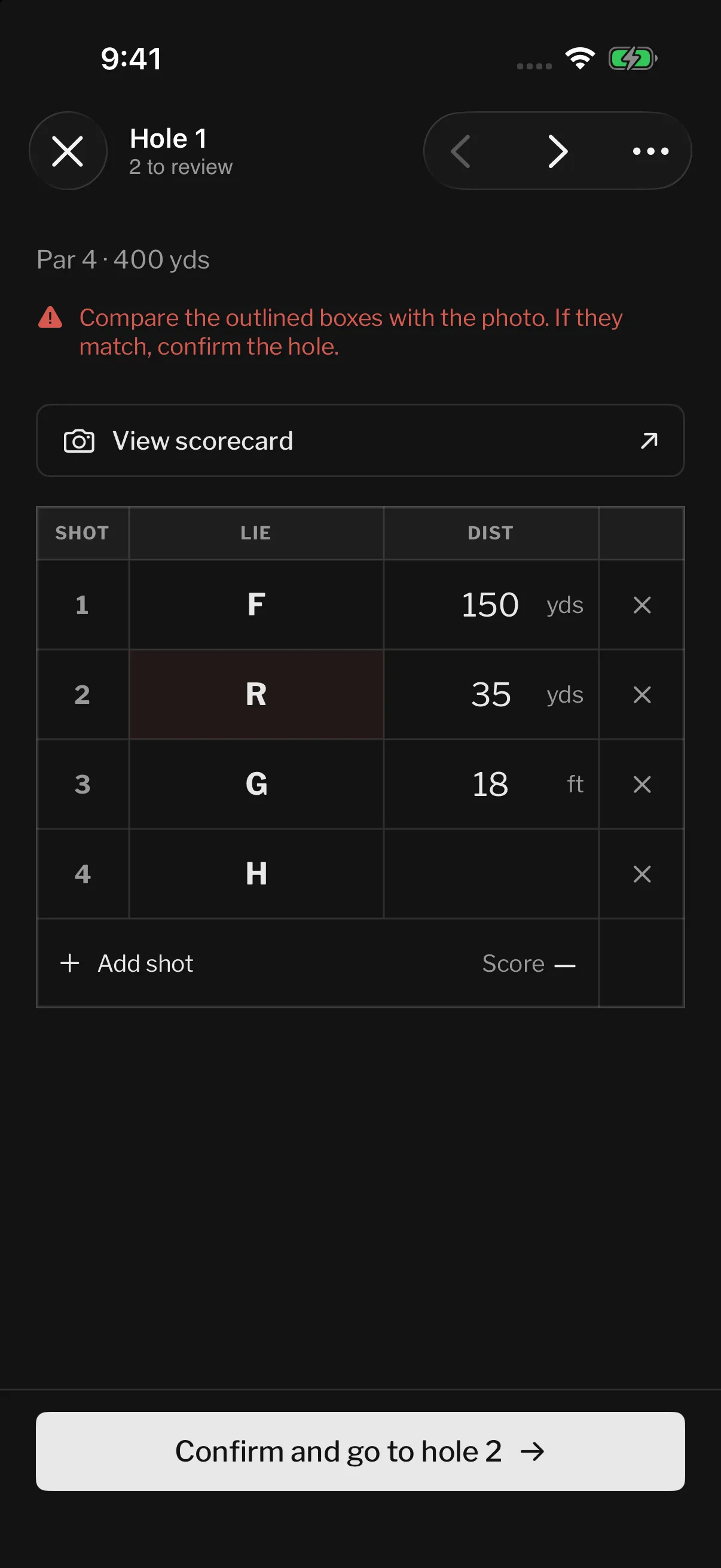
Correct a scanned scorecard.
When a mark on the card is unclear, the app highlights it for review. Compare it with your scorecard photo, correct the lie or distance, and confirm the hole to finish the review.
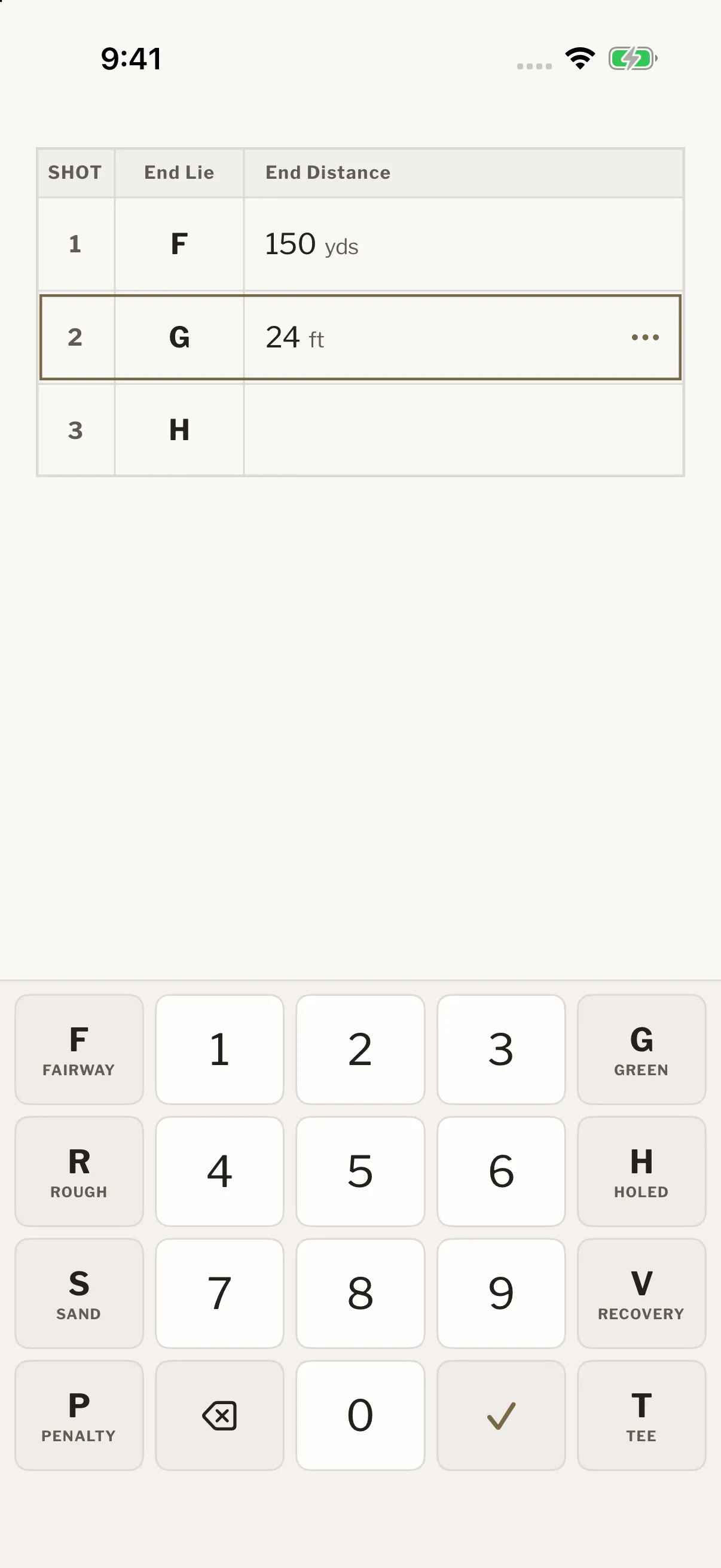
Enter shots manually.
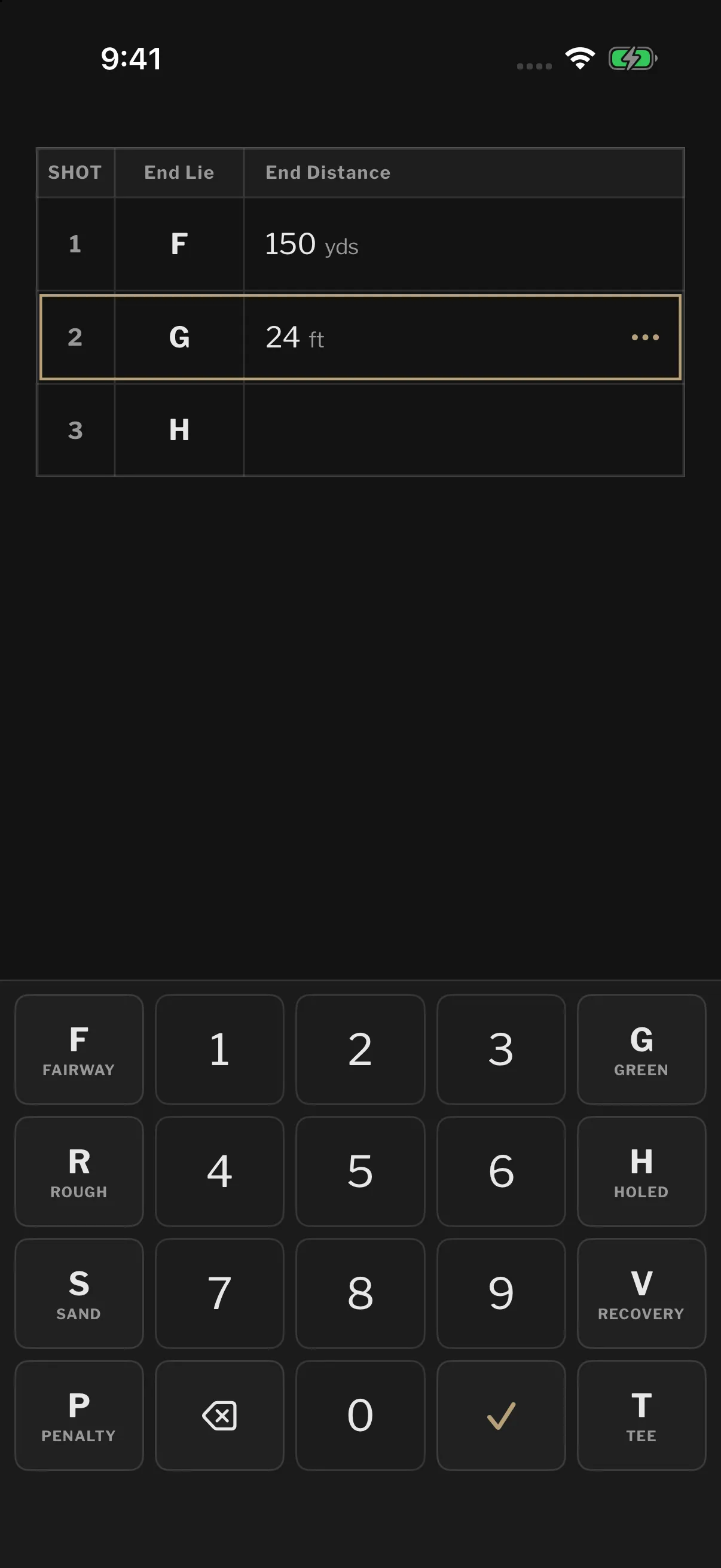
You can also enter a round without scanning. Enter where each shot finished and the remaining distance using the shot-entry keyboard. Select H for the shot that goes in.
Then ask more of it.
Connect Stroke Gains to ChatGPT or any compatible AI service and ask questions about your rounds, shots, and strokes gained. Compare recent rounds, look closer at a distance range, or find out where you’re gaining and losing strokes.
Your AI assistant gets read-only access to your record. You choose what to ask and which parts of your game to explore.
Use Stroke Gains to compare my last 20 rounds. Where am I losing the most strokes, and which approach distances should I look at more closely?
Reading your record from Stroke Gains… Read 20 rounds, 1,634 shots, strokes gained by category
Your biggest leak is approach play: −1.6 strokes per round over your last twenty, worst from 150 to 175 yards. Off the tee you’re gaining +0.3 strokes per round.
Start with your approaches from 150 to 175 yards. We can compare those shots by starting lie or look at how the results changed across these rounds.